

How to Build a Room Mood Board From a Single Photo
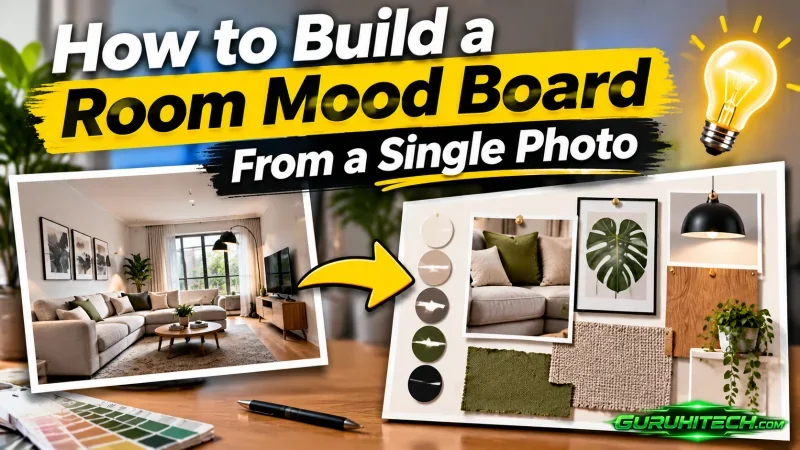
Imagine taking a phone photo of a reading corner you want to refresh. The olive chair looks good against the oak floor, but the curtains read yellow near the lamp and almost gray by the window. You want new curtains and a lamp that suit what’s already there. Then you save a photo of a room with white floors and start second-guessing the oak.
Build the mood board around the photo you took. Start with the colors and textures already in the frame and decide which ones should carry through. With Ai interior design, Scene to Moodboard turns a room image into a board that captures its palette, lighting, and atmosphere. Keep the original photo beside it so you can trace each idea back to the room and see which choices still need samples.
Choose a Photo That Shows the Fixed Finishes
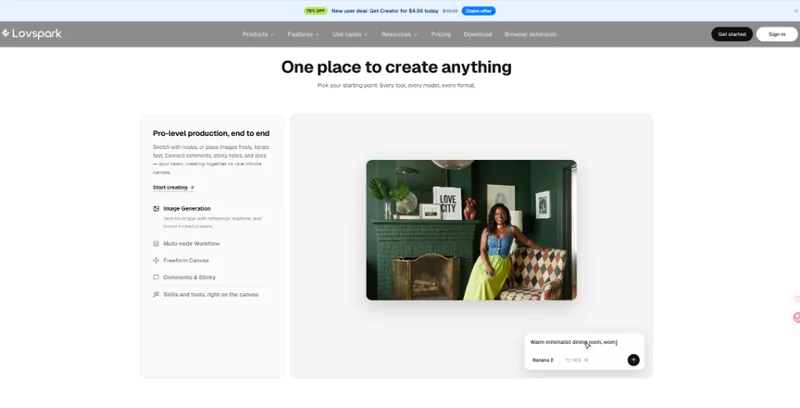
Take the picture from where you usually see the room. For the reading corner, that might be the doorway, where the chair, floor, and window wall are visible together. Frame enough of the floor to see its grain and enough of the wall to tell where the light falls. If the lamp casts a yellow patch across the curtains, switch it off for the source photo and note that you’ll check the new fabric by lamplight later.
Before assembling the board, write down what stays. In this example, the chair and floor set the palette. The curtain and lamp are open decisions. Mark those items on a copy of the photo or jot the notes beside it. With those boundaries in view, you can judge a curtain idea against the oak and olive upholstery even if an edited image makes another wall color look appealing.
Read the Palette Against the Original Photo
For the ai room design step, use Scene to Moodboard on the original room photo. Its first pass can give you a palette for the scene, including tones you might overlook when you’re concentrating on the chair or curtains. Open the photo beside the generated board. When a color catches your eye, point to where it appears in the photo. If a pale yellow seems to come from light falling on the curtain, label it as a lighting cue. If a swatch reflects the olive chair, label it as a color already in the room.
Give each swatch a job before adding more. The largest area might represent the wall or floor. A smaller swatch could stand for the chair fabric, and a narrow strip could suggest metal for the lamp. A board of equal-sized squares can make a small accent look as important as the curtain. Resizing the swatches by their rough role in the room helps you see which color is doing most of the work.
Turn an Impression Into a Material Choice
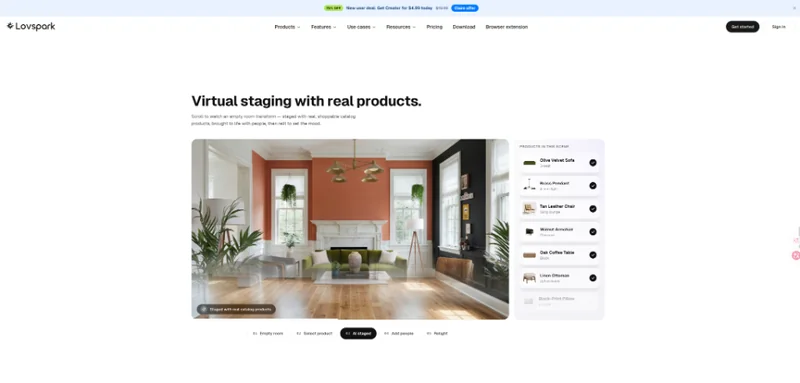
A photo can make a corner feel quiet for several reasons. Look at the images side by side and name what you actually want to keep. It might be the contrast between the dark chair and the pale wall, or the way a matte fabric softens the light at the window. Write that observation beside the swatch. “Muted fabric that still lets light through” gives you a better starting point for looking at samples than “cozy.”
Pair each open decision with one thing you can test. For the curtain, choose samples with a similar weight if the immediate question is color. For the lamp, compare finishes against a single fabric choice. Keep the photo and the swatches for the pieces that stay in view. Change both the curtain and lamp at once and you may end up ruling out a lamp that would work with a different fabric.
Check the Shortlist in the Actual Room
Pin the curtain samples vertically where the fabric will hang. Stand at the doorway again, then move close enough to see the weave. Check how each sample looks in daylight and under the lamp you normally use in the evening. Write down what changes in each setting. One fabric may take on a yellow cast after dark, while another may blend into the wall from across the room but show more texture at the window.
Hold a lamp finish sample next to the chair and curtain fabric, then move it closer to the light to see whether it throws a strong reflection. A small piece of polished metal can look subdued on the board and catch your eye every time you switch on the lamp. If the room still feels balanced under both kinds of light, mark the sample as a finalist and record its exact finish name.
Record Measurements Beside the Chosen Samples
Once a fabric makes the shortlist, check how it will hang from the existing hardware. Measure the usable width of the track and the drop from the hook or ring to where you want the fabric to end. Note which point you measured from. A supplier can use that information alongside the fabric and heading you choose to advise on how much material you’ll need.
For the lamp, record the available floor area, the widest point the shade can occupy, and the route from the base to the outlet. Compare those measurements with the actual product dimensions. Keep the figures and prices in a note beside the mood board. The board records a visual direction. If an idea involves moving an outlet or altering a wall, a professional should verify the plans, utilities, structure, and applicable requirements before work begins.
Keep the Board Focused on the Next Decision
For the reading corner, the finished board might hold the original photo, two fabric samples, and one lamp finish. Label each sample with where it would go and what you observed in the room. If the curtain looks right only in daylight, keep that note beside the swatch. If the lamp is still undecided, leave its space open and write down what needs checking, such as whether the shade fits beside the chair. The next person who sees the board should be able to tell what stays, what you’re considering, and what still needs a second look.
Ti potrebbe interessare:
Segui guruhitech su:
- Google News: bit.ly/gurugooglenews
- Telegram: t.me/guruhitech
- Facebook: facebook.com/guruhitechfb
- X (Twitter): x.com/guruhitech1
- Bluesky: bsky.app/profile/guruhitech.bsky.social
- Rumble: rumble.com/user/guruhitech
- VKontakte: vk.com/guruhitech
- MeWe: mewe.com/i/guruhitech
- Skype: live:.cid.d4cf3836b772da8a
- WhatsApp: bit.ly/whatsappguruhitech
Esprimi il tuo parere!
Ti è stato utile questo articolo? Lascia un commento nell’apposita sezione che trovi più in basso e se ti va, iscriviti alla newsletter.
Per qualsiasi domanda, informazione o assistenza nel mondo della tecnologia, puoi inviare una email all’indirizzo [email protected].
Che ne pensi?
Scopri di più da GuruHiTech
Abbonati per ricevere gli ultimi articoli inviati alla tua e-mail.