

The 30-Second Fix for Audio Files That Take Forever
Let’s be honest about something.
You have an audio file that’s too long. Maybe it’s a podcast interview with a long pause at the beginning, maybe it’s a voice memo where the first 10 seconds are just you saying “um.” Maybe it’s a song and you only want the chorus for a ringtone, maybe it’s a lecture recording and you need just the last five minutes.
In the old days, solving this meant installing software. Or opening a complicated editor with a million buttons. Or uploading to some sketchy site that would watermark your file or ask for your email or take forever to process.
You just want to cut the part you don’t need and keep the part you do. Why does that have to be complicated?
What Actually Works
There’s a better way. One that doesn’t ask for your email. Doesn’t make you install anything, doesn’t watermark your file. Doesn’t keep your audio on some server forever.
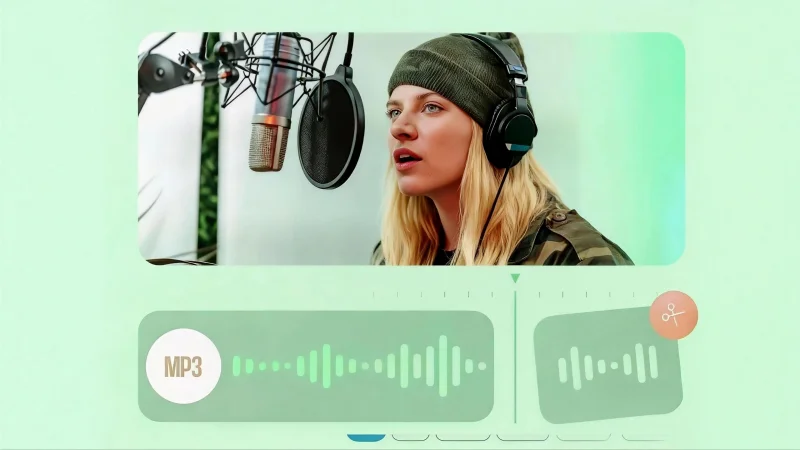
You open a website, you drag your file in, you slide two markers to where you want the cut. You hit save. Done.
Thirty seconds. Maybe less.
That’s what a good audio cutter should feel like. Not a project. Not a learning curve. Just a tool that does one thing and does it well.
The Stuff You Actually Need to Cut
Let’s think about the kinds of audio files people deal with every day.
Voice memos. You recorded something important. A conversation, a lecture, a reminder. But the first 20 seconds are silence while you got the phone positioned. You don’t need that.
Podcast episodes. You recorded a great interview. But there’s a long pause in the middle where someone coughed. You want to tighten it up before publishing.
Music tracks. You love a song but only want the chorus. Maybe for a ringtone, maybe for a video background. Maybe just because you like that part best.
Sound effects. You need a specific 3-second clip from a longer recording. The rest is just noise you don’t want.
Interviews. You have hours of raw footage, you only need one answer. You don’t want to send the whole thing to your editor.
In every single case, the task is the same: find the good part, get rid of the rest.
The Formats That Matter
Not every tool handles every file type. Some choke on WAV files some don’t touch FLAC. Some only do MP3 and call it a day.
A good tool supports what people actually use. MP3, obviously. WAV for high-quality recordings. AAC for Apple stuff. FLAC for lossless audio. M4A for voice memos from phones.
You shouldn’t have to convert your file just to cut it. You should just upload what you have and get back what you need.
The Privacy Thing
Here’s something nobody talks about enough.
When you upload an audio file to a random website, where does it go? Does it sit on their server forever? Does someone else have access to it? Is it getting used for something you didn’t agree to?
A good tool handles this simply. Your file gets processed. You download your cut. The file gets deleted from their servers. Automatically. Without you having to ask.
For voice memos with personal information, for unpublished podcast episodes, for work recordings you don’t want floating around this matters.
When You Need More Than Just Cutting
Sometimes trimming isn’t enough. Sometimes you need to pull the vocals out of a track. Or isolate the drums. Or separate the bass.
This used to require expensive software and actual expertise. Now there are tools that do it with AI. You upload a file, wait a few seconds, and get back separate tracks. Vocals on one. Drums on another. Bass on another.
A stem splitter is useful for more than just music production. Karaoke tracks? Remove the vocals. Practice materials? Isolate the rhythm section. Remixes? Grab just the parts you need.
The same browser-based simplicity applies. No installation. No complicated workflow. Just upload and get what you need.
The Format Conversion You Didn’t Know You Needed
Here’s another thing that happens constantly.
Someone sends you a file. It’s in a format your software won’t open. Maybe it’s a video file and you only need the audio, maybe it’s a WAV and you need MP3 for a quick upload. Maybe it’s an M4A and you need something more universal.
A simple MP3 to WAV conversion should be trivial. So should video to audio. So should switching between any common audio format.
You shouldn’t need to think about it. You shouldn’t need separate tools for different conversions. Just upload, choose your output, download.
Who Actually Needs This
The range of people who need simple audio tools is wider than you’d think.
Podcasters need to trim pauses and mistakes before publishing. They don’t want to learn complex software.
Teachers and students need to extract audio from recorded lectures. They want the content, not the dead air at the beginning and end.
Musicians need to pull stems for practice or remixing. They want clean separation without expensive tools.
Content creators need to cut sound effects and background music. They want it fast and lossless.
Anyone with a phone has voice memos they want to clean up. They want simple, not powerful.
No More Complicated Software
The best tools are the ones you barely notice. You open them, you do your task, you close them. You move on.
No account creation, no learning curve, no waiting for downloads. No wondering where your file went.
Just upload, cut, download, done.
For a one-off task, that’s perfect, for daily use, that’s efficient. For anyone who just needs to get something done, that’s the difference between a tool that helps and a tool that gets in the way.
The Bottom Line
Audio files are everywhere. Voice memos, podcasts, music, lectures, interviews. Most of them are longer than they need to be. Most of them have parts you don’t want.
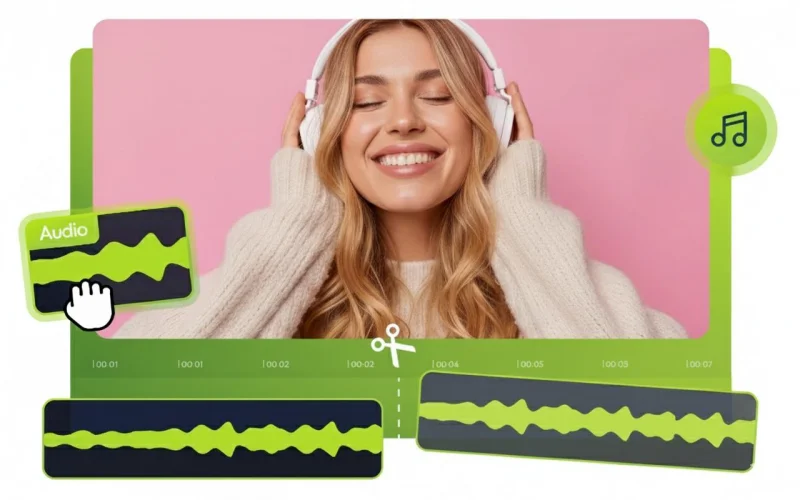
Cutting them down shouldn’t be a project. It should take thirty seconds. Maybe less.
And when you need more stems, format conversion, video to audio the same simplicity should apply. Upload, choose, download. No fuss, no learning curve. No wondering where your file ended up.
That’s what tools like this are for. Not to replace professional editors. Not to do everything. Just to do one thing really, really well.
You don’t need complicated software to cut an audio file. You just need a tool that works.
Scopri di più da GuruHiTech
Abbonati per ricevere gli ultimi articoli inviati alla tua e-mail.