
Best AI Lip Sync Alternatives to HeyGen & Synthesia (2026)
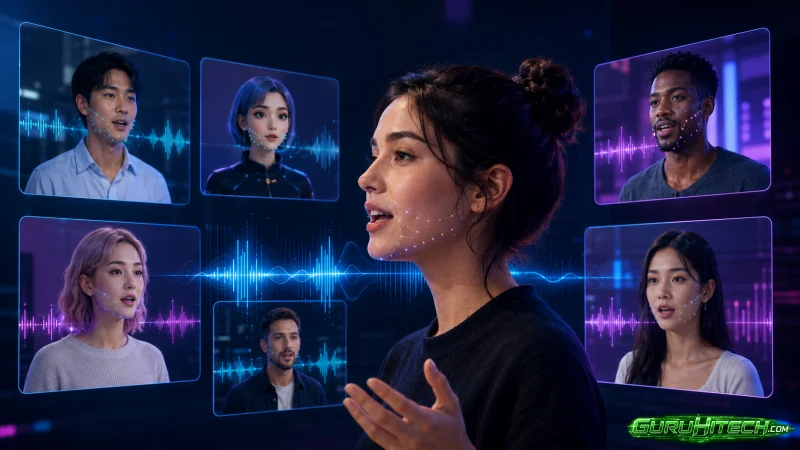
HeyGen and Synthesia are excellent at one job: corporate talking-head avatars and multilingual presenters. For many teams, that is exactly right. But the questions usually come later — when you need a character to act inside a real scene, sing, or carry a story. That is where a presenter-style avatar starts to feel limiting, and where a lip sync tool built into a full video workflow makes more sense. Here are the best alternatives in 2026, starting with Renoise AI.
Why Look Beyond HeyGen & Synthesia?
Both shine for business avatars and script-to-video presenters. They are less suited to characters speaking inside cinematic shots, stylized scenes, singing performances, or original animation. If your work is story-driven rather than presentation-driven, the alternatives below fit better.
Best AI Lip Sync Alternatives Ranked
1. Renoise — Best for creative, in-scene lip sync
On Renoise, ai lip sync is part of a full video generator, not a standalone avatar tool.
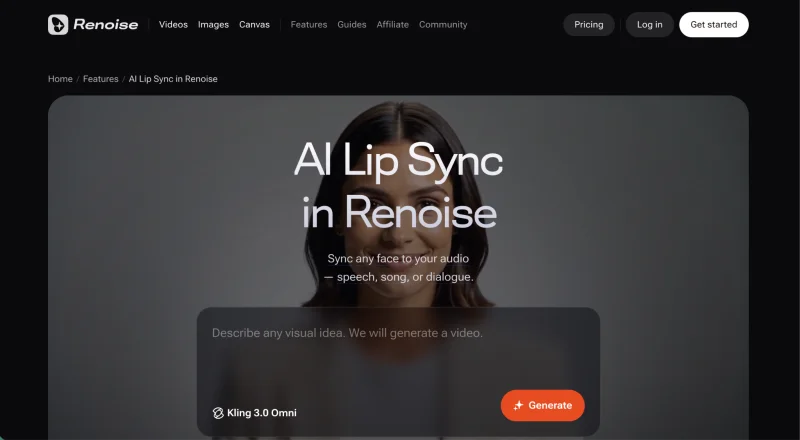
- Key features: powered by Kling 3.0 Omni; sync across up to six shots; FacePass for real faces; speech, singing, and dialogue at 720p/1080p (3–15s per clip).
- Pros: lip sync inside real, cinematic scenes; character consistency; no separate post step.
- Cons: no free tier; clips are 3–15 seconds.
- Scenario fit: creators building dialogue-driven scenes, original characters, or stylized stories.
2. D-ID — Best for talking photos
Turns a still photo into a talking avatar.
- Pros: quick presenter videos; simple to use.
- Cons: avatar-focused; less cinematic.
- Scenario fit: demos and presenter clips.
3. Hedra — Best for expressive characters
Generates emotive character videos from an image plus audio.
- Pros: expressive faces; free tier.
- Cons: short outputs; narrower scope.
- Scenario fit: character close-ups with emotion.
4. Sync.so — Best developer API
A lip-sync and dubbing API for custom pipelines.
- Pros: developer-friendly; good dubbing.
- Cons: needs technical setup.
- Scenario fit: teams building their own tools.
5. Captions — Best mobile-first app
A creator app with AI dubbing and lip sync.
- Pros: mobile-first; fast for short-form.
- Cons: app-bound; freemium limits.
- Scenario fit: solo creators on the go.
6. Vozo — Best for translation + lip sync
Video translation with re-synced mouths.
- Pros: multilingual reach; re-sync on translate.
- Cons: focused on dubbing.
- Scenario fit: localizing existing videos.
7. Wav2Lip — Best free open-source option
The classic open-source model for basic lip sync.
- Pros: free to self-run; fully controllable.
- Cons: basic quality; self-run; licensed for personal/research use only — commercial use is prohibited.
- Scenario fit: developers and hobbyists (non-commercial).
AI Lip Sync Alternatives Compared
| Tool | Lip sync inside full video? | Real faces | Best for |
| Renoise | Yes (Kling 3.0 Omni) | FacePass | in-scene, cinematic |
| D-ID | Avatar only | photo-based | presenters |
| Hedra | Character clips | image-based | expressive characters |
| Sync.so | API | varies | developers |
| Wav2Lip | Standalone | any (self-run) | free/basic |
How to Pick the Right One
If you need a corporate presenter reading a script, an avatar tool is enough. If you want characters acting, singing, or talking inside real scenes, an AI lip sync tool built into a video generator is the better call.
FAQs
- Is there a free option? Yes — Wav2Lip is open-source and free to run.
- Which is best for singing? Renoise supports speech, singing, and dialogue.
- Can I use a real face? In Renoise, only after FacePass authorization.
- Which works inside cinematic scenes? Renoise, since lip sync lives in the video generator.
Conclusion
HeyGen and Synthesia own the boardroom. For creative, in-scene lip sync,Renoise AI is the strongest alternative — check it out.
Scopri di più da GuruHiTech
Abbonati per ricevere gli ultimi articoli inviati alla tua e-mail.
