

5 Tips to Avoid Pop-Up Ads While Streaming on Tigoals
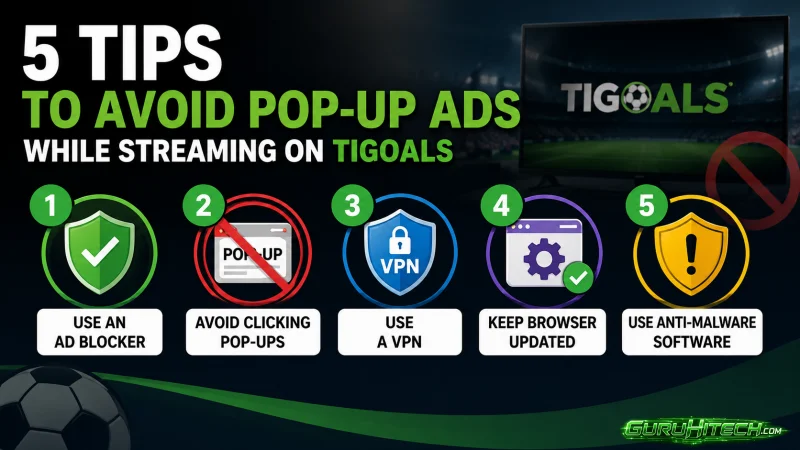
Pop-ups have ruined more good football moments than bad referees ever have. You are sitting there, the match is getting good, something is about to happen, and then boom. Full-screen ad. That sudden freeze. A clumsy finger hits something it shouldn’t. Now you are staring at an odd page, clueless. The game vanishes. Three full minutes go by – rebuilding tabs, reloading pages – all while the match runs without you. Anyone watching Tigoals live football without any sort of protection set up has been through this more times than they want to admit. These five things fix most of it without costing anything or requiring you to be particularly technical.
1. uBlock Origin Sorts Out Most of It Straight Away
Go find this extension right now before you do anything else. Free, works on Chrome and Firefox, takes under a minute to add. Once it is on the ads that used to jump out at you simply do not appear anymore. The page feels different immediately. Cleaner, faster, less chaotic. Most people who install it cannot believe they sat through all those ads for so long without doing something about it sooner.
2. Stop Clicking Things You Did Not Come to Click
Free streaming pages hide clickable ads in places that look like they are part of the actual site. Fake play buttons sitting just next to the real one. Close buttons that are slightly off, so you miss and hit the ad instead. Random blank spaces that are actually links going somewhere else entirely. Move carefully on these pages. Find what you actually need, click only that, and leave everything else alone completely.
3. Browser Pop-Up Blocker Might Not Be Working
Now here’s something worth checking – your browser might already block pop-ups, yet that feature can switch itself off. Look through the settings without delay; better safe than caught off guard. Should it be disabled, flip it back on immediately. Pairing the internal filter with uBlock Origin? That stacks one layer after another, each catching what slips past the first.
4. Go Full Screen the Second Your Stream Loads
A huge portion of pop-up triggers are connected to you clicking around the page rather than the video itself. The moment your stream starts playing, hit full screen and stay there. This page underneath stops registering your movements, and most of the ad triggers that rely on page interaction simply never fire. The ones that do occasionally get through are much easier to deal with in full screen than the ones that catch you while you are still navigating around looking for the right link.
5. Stream on One Device and Use Your Phone for Everything Else
Switching between tasks on the same device while a stream is running is where a lot of accidental ad clicks happen. You pause to check something, start browsing around, the page decides you are active again, and launches three things at once. Keep Tigoals running on your laptop or tablet and pick up your phone for anything else you need to do during the match. The two stay completely separate, and you stop accidentally triggering things by multitasking on the same screen.
These are not complicated fixes. One extension, a bit of care about where you click, and a small change to how you use your devices during a match. Do all five together, and the pop-up problem goes from genuinely maddening to something you barely notice anymore.
Scopri di più da GuruHiTech
Abbonati per ricevere gli ultimi articoli inviati alla tua e-mail.