
The Best AI for Image Generation: A Review of 5 Top Generators

In the last couple of years AI image tools have evolved seriously. With ease they turn a simple prompt into amazing image. The problem is there are multiple options that makes beginner feel confused and not know where to start.
This review keeps things simple and honest. We put five best AI for image generation through real tests so you don’t have to waste time or money trying them all.
You’ll get a clear picture of five strong tools, including Oreate AI Image, and find out which one fits your needs best. Whether you want a quick social media post or polished professional work for content creation.
The AI Image Revolution: Why Choosing the Right Tool Matters
A few years back, if you wanted a custom picture made just for you, you had two main choices: pay a designer to do it, or sit for hours trying to figure out complicated editing software.
Now? You simply type a short description, and boom — your image shows up in seconds.
The catch is that not every tool works the same way. Some are great at making pictures that look totally real. Others do beautiful drawings or cartoon styles better.
Some get words inside the image right every time, while others still mix them up. Speed, price, and how easy they are to use can be very different too.
Choosing the wrong ai image generation services can leave you feeling annoyed and out of credits. The right one quickly becomes something you use all the time and actually saves you hours. That’s why we focused on how these tools perform in real life, not just what their product page promises.
How We Tested: Our Criteria for the Best AI Image Generator
We used the exact same descriptions on every tool — things like product photos, social media graphics, book covers, scenes with people, and tricky ones that include text. We tested them over several days on phones and computers to keep everything fair.
Here’s what we looked at most closely:
- How well the tool understood exactly what we asked for
- How good the final picture looked (faces, hands, lighting, and background)
- How clearly it put words or text inside the image
- How fast it worked and how simple it felt to use
- Helpful extras like changing parts of the picture, making it bigger, or copying a certain style
- What you really get for free and what you pay for
- How easy they are for someone who has never used AI before.
The main focus was to find image creators that can help in everyday use with ease.
The Head-to-Head Comparison: 5 Top AI Image Generators
Oreate AI: All-in-One Best AI Image Generator
Oreate AI is a super useful all-in-one tool that makes creating pictures really easy.
You can just type any idea and it converts it into an image. Or you can upload any photo you already have and change its style, mood, or look however you want.
If part of a picture is missing or wrong, you can redo it with a revised prompt. It uses nano banana pro, which keeps everything quick and smooth. So whether you’re making fun, creative stuff or nice professional looking images, it handles both really well.
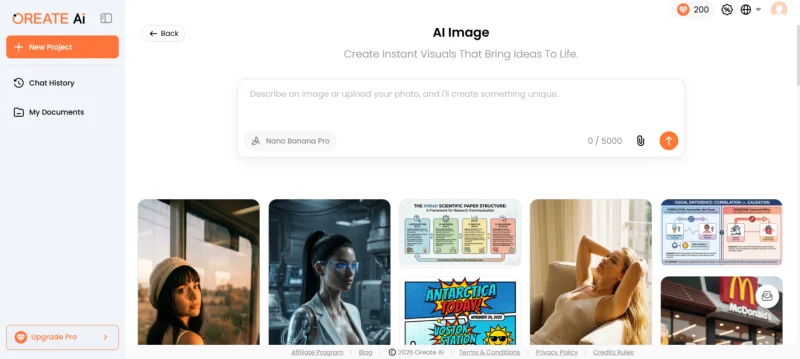
It comes with useful features like making batches of images at once and team accounts where everyone can keep the same style and brand look with proper control. Teams love it for marketing, e-commerce photos, and branding work because it saves time and keeps everything consistent.
You can start with the free plan that gives limited credits, and move to paid plans when you need higher quality or more images. For most people who want speed and style control, Oreate AI Image generation services feels like the easiest and smartest choice.
Midjourney: The Artistic Powerhouse
Midjourney creates stunning images that look almost like real photos or professional artwork. It is especially good at photorealism. Hence, detailed scenes come out looking very natural and impressive.
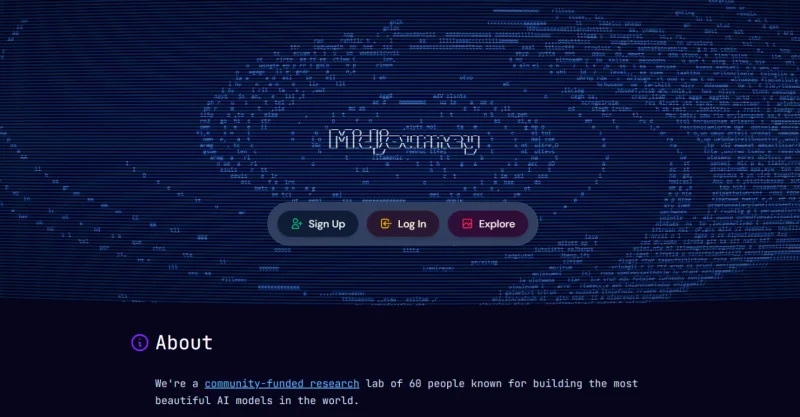
The only problem is that it works only inside the Discord chat app. There is no simple website or normal chat box like other tools, so it feels a bit tricky when you start using it.
Your pictures are not private by default — anyone on the server can see them. If you want privacy, you need the more expensive Pro plan.
Midjourney basic plan costs $10 a month that allows you to create 200 images. You can subscribe for higher plans too for unlimited creation.
If you are mainly looking for beautiful artistic or super-realistic images, Midjourney is a strong choice. But for quick everyday use or simple team work, it does not feel as easy and smooth as other options.
ChatGPT Image Generator
This tool works right inside the regular ChatGPT chat. You just talk to it in normal words, like you’re texting a friend, and the pictures appear in the same conversation.
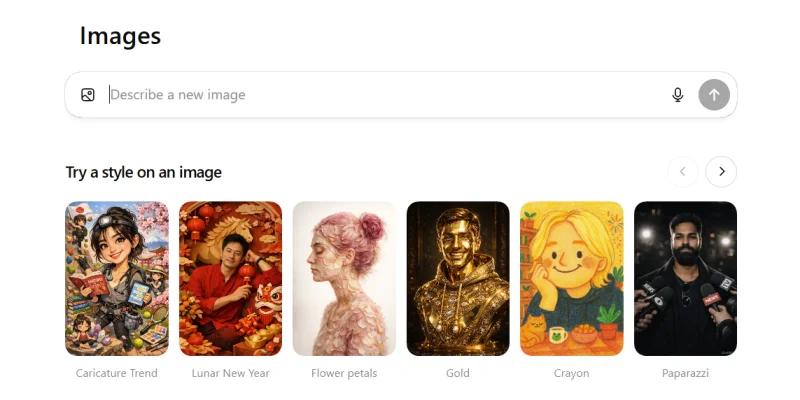
Ask for something simple like “a clean modern logo for a coffee shop with nice text” and you get several good options in seconds. It remembers what you said earlier, so you can say “make the colors warmer” and it fixes it right away. The words inside pictures have gotten much better lately.
You get a good amount for free, and the paid plan is $20 a month for way more use. ChatGPT image generator may not always win on super fancy art, but for quick and reliable pictures with almost no effort
Google Gemini: The Smart Editor
Google Gemini stands out because it lets you edit images after they are created, which makes it feel very natural and helpful. You can generate a picture first, then just tell it in normal words to change one specific part — like swapping colors, adding objects, or fixing details — and it updates only what you asked for without starting everything over.
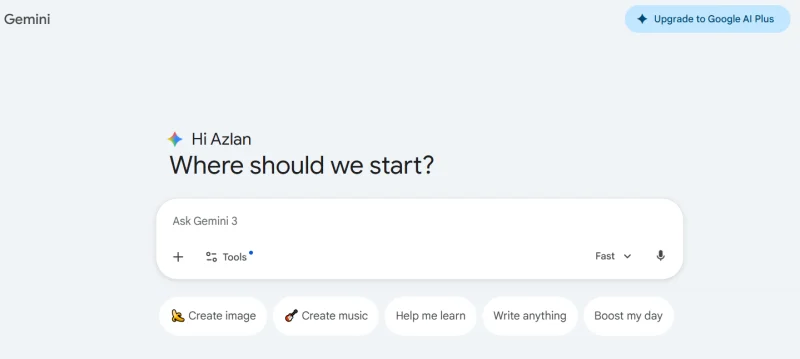
You can upload photos, describe changes, and get polished results fast. The images come out clean and high-quality, with good prompt.
The free version works great for basic use and gives you a decent number of images per day. Paid plans like Google AI Pro (around $20 a month) unlock way more images, faster speeds, and advanced features like Nano Banana Pro for even better control and higher quality.
For people who like to tweak and improve pictures step by step, Gemini makes the whole process easy and saves a lot of time.
Adobe Firefly: The Professional Safe Pick
If you are looking for pictures that can be used for complex real work or heavy school project Adobe Firefly is the safe and easiest option for you. You can use it right in your browser by just logging in. You’ll get four different images every time you give a prompt. Hence, keep the one that fits your style, size and look.
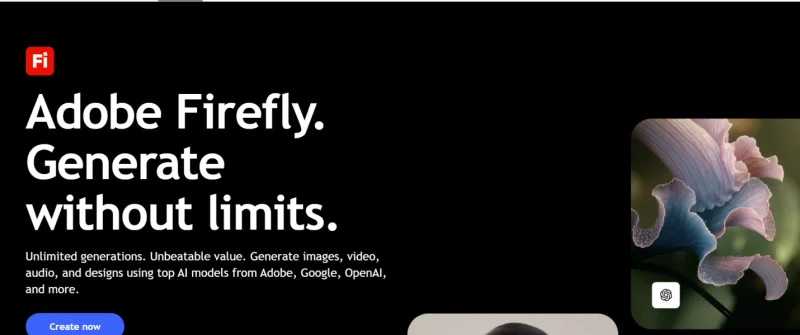
You can also upload your own photo as a reference or edit the pictures later in Adobe Express or Photoshop. The best thing is that all images are safe for commercial use— no copyright worries.
It gives very clean, consistent results that look like nice stock photos. They may not always be super exciting or creative, and it sometimes ignores text or has trouble with real people, but for marketing, branding, posters, or business visuals it works really well.
You’ll get 25 free credits per month. Once you are familiar with the tool you can get 100 more with $4.99 Premium plan.
Finding Your Match: Which AI Image Generator is Right for You?
Best AI for image generation depends on what kind of images you want and what kind of changes and art work do you expect.
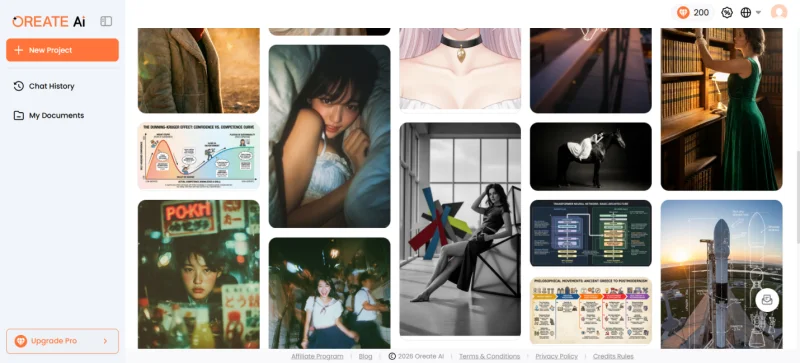
Oreate AI image tool provides easy and flexible ways to make and edit images in the same tab. Also,
- You can start with just text-to-image
- Upload an existing photo (image-to-image).
- Need to fix or fill in just one part of a picture? In-painting lets you do that easily.
- Want to make the scene bigger by extending the edges? Out-painting handles that smoothly.
- Backgrounds bothering you? One-click background removal gives you a clean cut-out ready for any use.
- When you need several versions at once, batch generation saves time by creating multiple options together.
The images usually come out with consistent faces and hands look natural, lighting is balanced, and text appears correctly most of the time.
Wrapping It Up
This review gives you an easy way to pick the best AI for image generation for you. Think about the kind of pictures you make most often, then try the free versions of the ones that sound good.
You can start with Oreate AI Image generation services because it feels friendly and does so many things well right away. Just pick one or two, run the same description through them, and you’ll quickly see which one feels right for you.
These tools keep getting better every few months, but right now these five cover pretty much everything most people need. Go ahead and make something fun — you might be surprised how good it turns out.
Ti potrebbe interessare:
Segui guruhitech su:
- Google News: bit.ly/gurugooglenews
- Telegram: t.me/guruhitech
- Facebook: facebook.com/guruhitechfb
- Instagram: instagram.com/guruhitech_official/
- X (Twitter): x.com/guruhitech1
- Bluesky: bsky.app/profile/guruhitech.bsky.social
- Rumble: rumble.com/user/guruhitech
- VKontakte: vk.com/guruhitech
- MeWe: mewe.com/i/guruhitech
- Skype: live:.cid.d4cf3836b772da8a
- WhatsApp: bit.ly/whatsappguruhitech
Esprimi il tuo parere!
Ti è stato utile questo articolo? Lascia un commento nell’apposita sezione che trovi più in basso e se ti va, iscriviti alla newsletter.
Per qualsiasi domanda, informazione o assistenza nel mondo della tecnologia, puoi inviare una email all’indirizzo [email protected].
Scopri di più da GuruHiTech
Abbonati per ricevere gli ultimi articoli inviati alla tua e-mail.