

The Rise of AI Photoshoots: Studio-Quality Portraits Without Leaving Your Desk
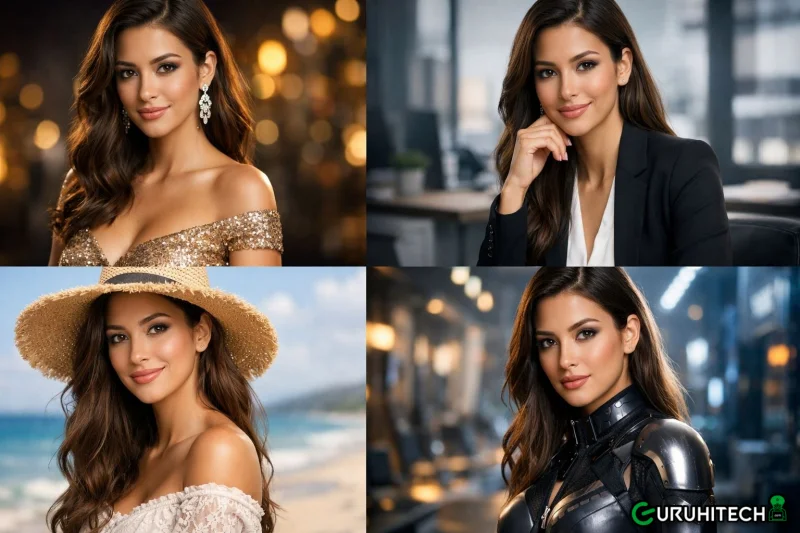
Everyone needs a professional headshot in 2026. Almost nobody wants to sit through the process of getting one. AI photoshoot tools are finally good enough to change that.
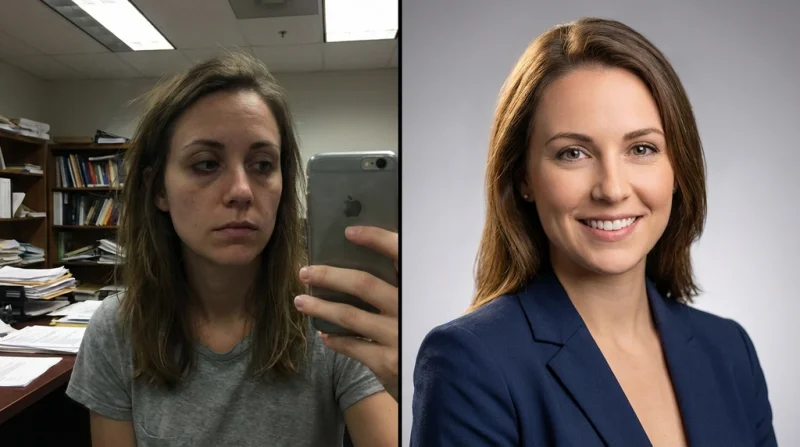
Your LinkedIn profile picture was taken at a wedding three years ago, your company bio uses a cropped group photo where you are squinting slightly. Your freelance portfolio has a selfie with visible bathroom tiles in the background. If any of this sounds familiar, you are part of a very large club.
Professional headshots have always occupied an awkward spot in most people’s priorities. You know you need one. You know a good portrait makes a measurable difference — profiles with professional photos get 14 times more views on LinkedIn and 36 times more messages. But between finding a photographer, booking a session, picking an outfit, sitting through an hour of “turn your chin slightly left,” and waiting days for edited files, the task keeps sliding to the bottom of the to-do list.
The result is that millions of professionals present themselves online with images that undermine everything else on the page, the resume is polished, the portfolio is strong, the headshot looks like it was taken in a parking garage.
The Traditional Headshot Problem
A professional portrait session typically costs between $150 and $400. That covers the photographer’s time, studio rental, and basic retouching on a handful of final images. Need different backgrounds or outfits? That is extra. Want a wider selection to choose from? Also extra.
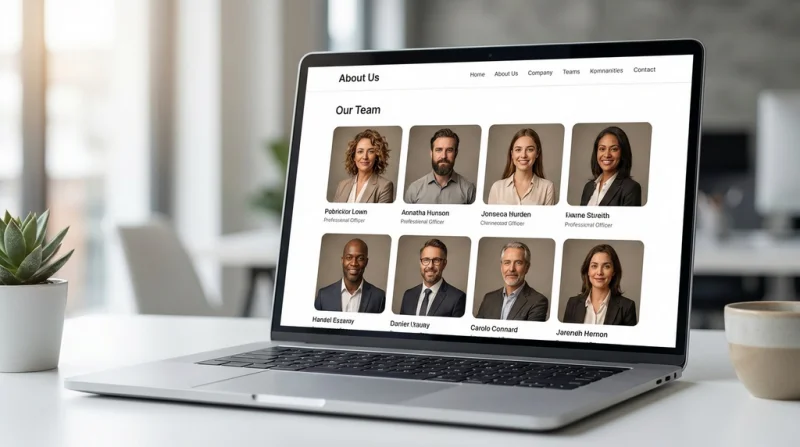
For individuals, that price tag is manageable once — but it is enough friction to keep people using the same outdated headshot for years. For companies managing team pages with 50 or 100 employees, the logistics multiply fast. Scheduling everyone into the same studio, dealing with people who are traveling or remote, replacing photos when someone joins or leaves — it becomes a perpetual project that never quite gets finished.
Remote and hybrid work made this worse. Teams are now distributed across cities and time zones. Getting everyone photographed in a consistent style requires either flying a photographer around or accepting a patchwork of mismatched images on the About page.
How AI Photoshoots Actually Work Now
The technology behind AI-generated portraits has improved dramatically in the past year. The current generation does not just paste your face onto a generic body. It understands lighting, skin texture, fabric folds, and environmental context well enough to produce results that are genuinely difficult to distinguish from studio photography.
The workflow is conversational. You upload a clear reference photo — even a decent phone snapshot works — and describe the portrait you want in plain language. “Professional headshot, navy blazer, soft grey background, natural window lighting from the left.” The AI generates the image in seconds. Then you refine through follow-up messages: “Make the background warmer.” “Try a slight smile.” “Show me a version with a white background for the company website.”
This iterative chat-based approach is what separates the current tools from the prompt-heavy generators of a year ago. You do not need to learn specialized syntax. You direct the shoot the way you would talk to a photographer — except the turnaround is instant and the reshoots are free.
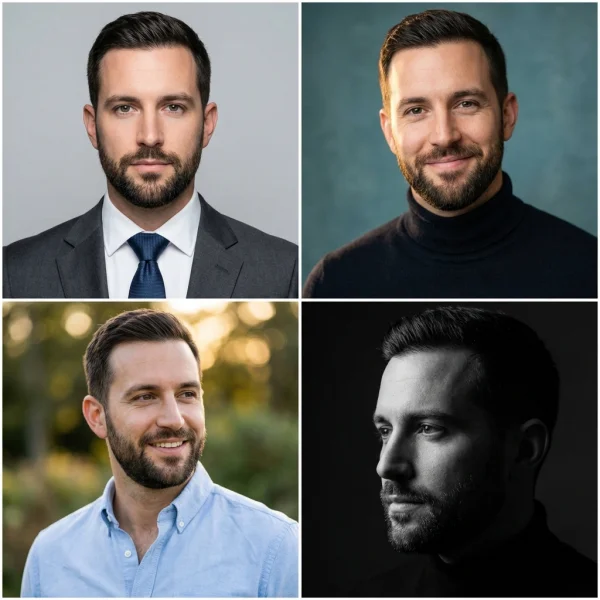
AI Photoshoot by Banana AI is one tool built specifically around this workflow. It supports up to 14 reference images per generation, outputs at resolutions up to 4K, and generates results in 4 to 6 seconds. For professional headshots, the practical advantage is that you can produce dozens of variations — different backgrounds, lighting setups, crop ratios — from a single reference photo in minutes.
What Matters in an AI Headshot Tool
Not every AI image generator handles portraits well. Faces are where imperfections become most obvious — an uncanny smile, slightly asymmetric eyes, or plastic-looking skin will immediately undermine credibility. Here is what to evaluate:
Resolution. A headshot that looks fine as a thumbnail but turns soft when someone clicks on your LinkedIn profile defeats the purpose. Look for tools that output at 2K minimum, ideally 4K for images that need to work on high-density displays and printed materials.
Aspect ratio flexibility. LinkedIn wants a square crop. Your website header needs a landscape version. A conference badge requires a specific vertical format. Tools that generate natively across multiple ratios save you from awkward cropping that cuts off the top of your head or compresses the composition.
Conversational refinement. The ability to adjust lighting, expression, and background through follow-up messages — without regenerating from scratch — is what makes the difference between a tool you use once and a tool that becomes part of your workflow.
Consistency across a set. If you are producing headshots for a team, every image needs to share the same lighting, background style, and visual tone. Banana AI Image Generator maintains context across a conversation, which means generating a set of 20 team headshots with a unified look is a matter of describing the style once and uploading each person’s reference photo.
Where It Works and Where It Does Not
AI headshots are genuinely excellent for LinkedIn profiles, company team pages, freelancer portfolios, conference speaker bios, and social media avatars. The output quality at the current state of the technology is more than sufficient for these use cases, and the economics are hard to argue with — cents per image versus hundreds of dollars per session.
Where traditional photography still holds an edge is in highly expressive or editorial portraiture. If you need a portrait that captures a specific emotion for a magazine feature, or a creative director wants to experiment with unusual angles and props in real-time, a human photographer’s eye and physical presence remain valuable.
But for the 90 percent of professional portrait needs that follow predictable patterns — clean background, good lighting, professional attire, natural expression — AI photoshoot tools have crossed the quality threshold. So the output is polished enough that most viewers will not question whether the image was shot in a studio or generated by an algorithm.
The Practical Takeaway
The professional headshot is one of those tasks that sits in the gap between “important” and “urgent.” It matters for your credibility, but it is never the most pressing thing on your plate. AI photoshoot tools collapse the time, cost, and effort required to the point where the task takes minutes instead of weeks.
If your current profile picture is more than two years old, or if your team page looks like a collage assembled from five different decades of photography, the barrier to fixing it has never been lower. Upload a photo, describe what you want, and see what comes back. The worst case is you spend five minutes. The best case is you finally look as professional online as you are in person.
A great headshot does not just show what you look like. It signals that you care about the details — and in a world where first impressions happen on screens, that signal matters.
Ti potrebbe interessare:
Segui guruhitech su:
- Google News: bit.ly/gurugooglenews
- Telegram: t.me/guruhitech
- Facebook: facebook.com/guruhitechfb
- Instagram: instagram.com/guruhitech_official/
- X (Twitter): x.com/guruhitech1
- Bluesky: bsky.app/profile/guruhitech.bsky.social
- Rumble: rumble.com/user/guruhitech
- VKontakte: vk.com/guruhitech
- MeWe: mewe.com/i/guruhitech
- Skype: live:.cid.d4cf3836b772da8a
- WhatsApp: bit.ly/whatsappguruhitech
Esprimi il tuo parere!
Ti è stato utile questo articolo? Lascia un commento nell’apposita sezione che trovi più in basso e se ti va, iscriviti alla newsletter.
Per qualsiasi domanda, informazione o assistenza nel mondo della tecnologia, puoi inviare una email all’indirizzo [email protected].
Scopri di più da GuruHiTech
Abbonati per ricevere gli ultimi articoli inviati alla tua e-mail.