
Ritridata Review Recover Files from SD Card Using Ritridata Data Recovery
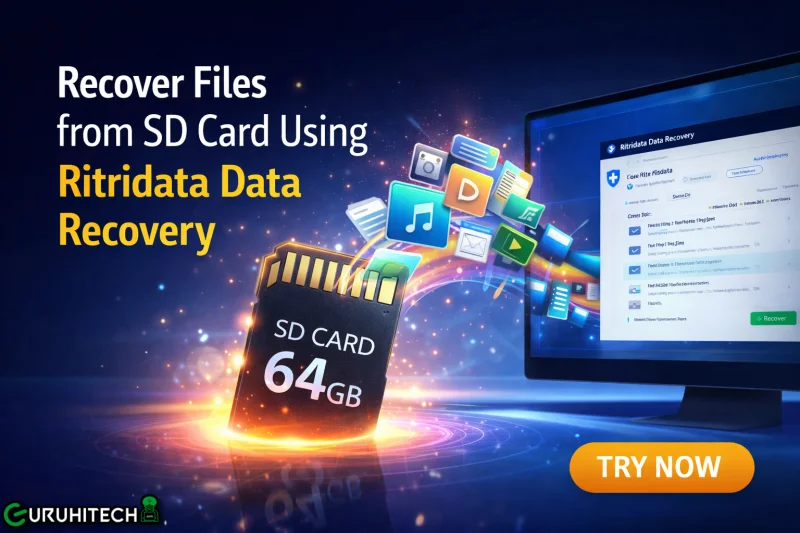
Loss of SD card data is an unpredictable event that can happen at any time. The primary purpose of SD cards is to save valuable information in the form of photos, videos, and other documents. The disappearance of the saved information causes distress since one may feel that the stored data will be irretrievably lost. Many users try to recover files from SD card using recovery tools when this happens.
It is crucial to mention that the deletion of data does not mean that the information becomes irreversibly inaccessible. In most cases, the deletion process makes the data invisible but does not delete it permanently. Consequently, the user can restore the data until the memory gets filled with other information.
How Ritridata Data Recovery Works
The Ritridata Data Recovery program is designed to conduct a thorough search of storage drives, such as an SD card, and restore deleted or lost files. Its operation consists of comprehensive examination of the storage drive and the subsequent detection of the data buried in the memory cells and inaccessible through conventional means. This software does not restore the SD card itself; however, it helps detect fragments of recoverable files.
Once the SD card is attached to the computer, the program begins examining it sector by sector. In the process, it seeks out specific signatures of various types of files, such as image or video files, which can be identified independently of the folder and file names.
SD Card Recovery Process
Following the scanning process, the program displays a list of all the recoverable files. It then becomes possible for the user to select those files that need to be recovered. There are instances where it becomes possible to preview files before performing any action on them to ensure that one recovers only the important documents.
After recovery, the files need to be saved in a location that is different from the original. For instance, one can save the file in another location such as the computer drive. It is not advisable to store files in the same memory card as others can still be recovered.
Common Reasons for Data Loss
There are various reasons why individuals seek the restoration of their files stored on SD cards. First, file recovery becomes necessary because of the unintentional deletion of files when managing storage capacity. Secondly, the formatting of the SD card occurs without the knowledge that valuable information is stored there.
Moreover, there are instances of corruption in the file system of the SD card. This may occur due to the unexpected removal of the SD card during usage or the abrupt shutdown of the device while accessing the file system. Sometimes, virus/malware infections may render the files inaccessible.
Factors That Affect Recovery Success
Recovery outcomes may differ from case to case. Perhaps the most significant factor is whether or not the data has been written over. The likelihood of recovering the lost data is greatly diminished if any other information was saved on the device following the loss.
The state of the SD card will influence recovery success as well. In cases where the SD card has been physically damaged, there might be areas that software cannot access. Logical problems are much more straightforward to resolve than hardware issues. The nature of the data and file sizes can impact recovery outcomes as well.
Tips to Improve Recovery Chances
In the event of file loss, one should first desist from using the SD card to prevent further corruption or deletion of other files. The next thing is to attach the SD card to a computer using a reliable card reader.
Deep scanning of the card using recovery tools would be much better because it will look for any hidden files on the SD card. After recovering all the files, one should ensure they are stored in another location.
Final Thoughts
It is quite likely that one will be able to recover lost data from an SD card; however, timing and further use of the SD card are crucial for successful recovery. Ritridata Data Recovery makes its clients’ life easier through finding and restoring their deleted files if possible.
The most recommended thing to do is to react immediately in case your SD card has experienced data loss and to stop using your SD card until the recovery process occurs. However, the best measure to ensure data safety is creating backup copies regularly.
Scopri di più da GuruHiTech
Abbonati per ricevere gli ultimi articoli inviati alla tua e-mail.